
Kostenlose 3D-Druck-Hilfe · Free ohne Konto
Step by step towards your next print.
Wähle dein Defect oder starte mit der Vorauswahl aus deinem Guides. Beantworte eine Frage nach der anderen; Erklärungen helfen dir direkt dabei.
The first lines adhere poorly, have gaps or are displaced. Look for a different defect →
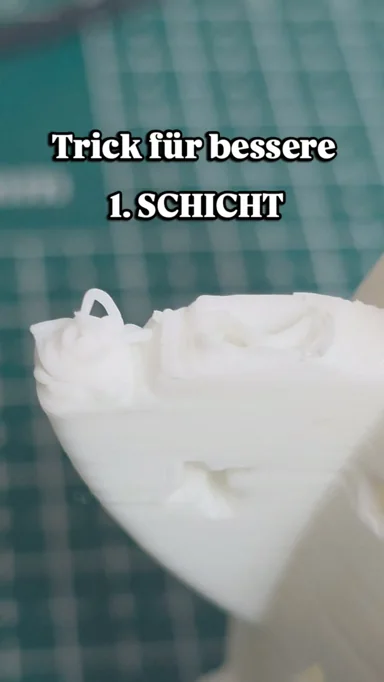 Related videoFirst layer: compare speeds systematically
First layer: compare speeds systematically
In diesem Reel ändert Yener das Feld „Füllung der ersten Schicht“ von 105 to 60 mm/s. Das separate Feld „First layer“ bleibt im gezeigten Profil bei 50 mm/s. Die Werte gehören zu diesem Example und sind keine allgemeine Vorgabe.
Watch the linked Reel here or open it directly on Instagram.
Clicking loads content from Instagram (Meta). Data such as your IP address is transmitted to Meta; Instagram may use cookies and similar storage. Privacy policy
Watch the video on Instagram →Check safely: Keep clear of hot and moving parts. Stop the print if there is smoke, scorched parts or electrical damage.
Safety and maintenance instructions
Check 1
Record the starting conditions
First note what you see on the print. If you know the printer, material or settings, record those too. You can leave unknown details blank. Use the same small test for comparisons and change just one thing. If there is smoke, scorched parts or unusual mechanical resistance, cancel the print and use the manufacturer's support.
Your selected defect and answers determine the sequence of checks. Follow the instructions for your printer model when carrying out work. Further manufacturer source: Prusa: First-layer problems →