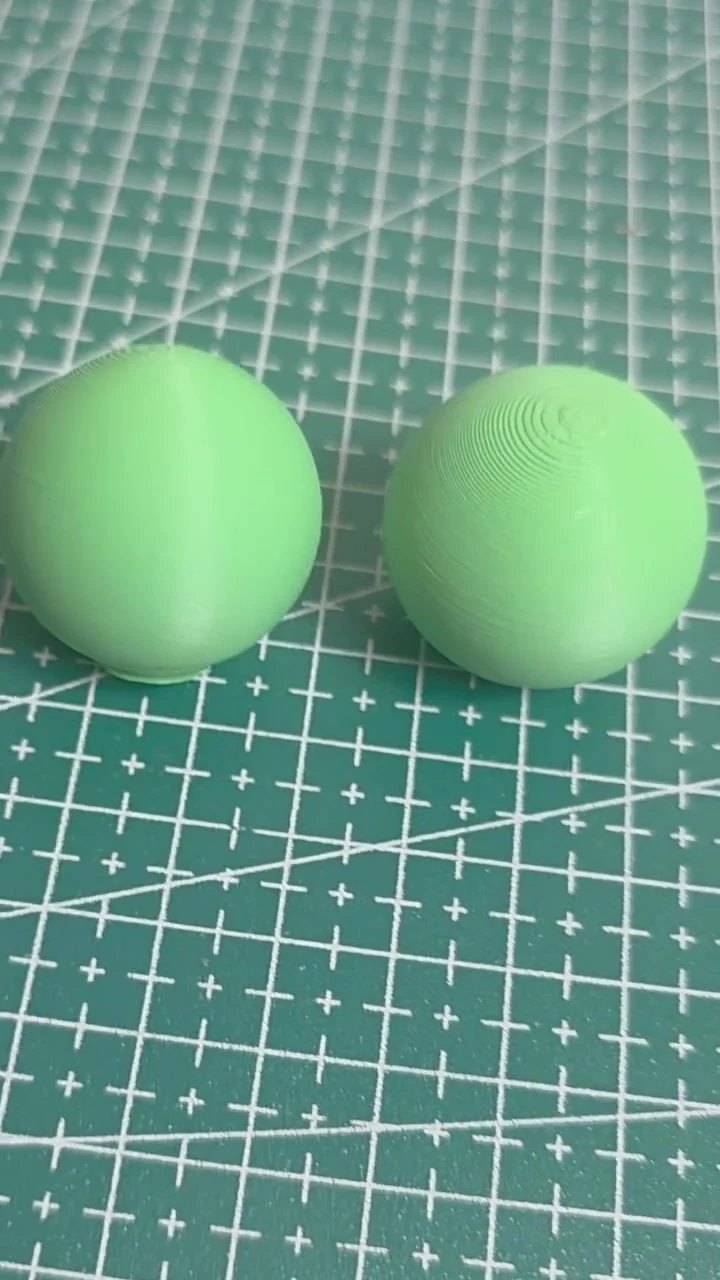
One change. One clear comparison.
Record your printer, material and results in one place.
Download the note template →How to compare your print tests → YK Print Doctorby YK Design & Print
3D printing knowledge · freely accessible
Choose the symptom. Find the cause and a useful next test.
Free, no sign-up required
10 Guides
 AI example imagePrint appearance · free
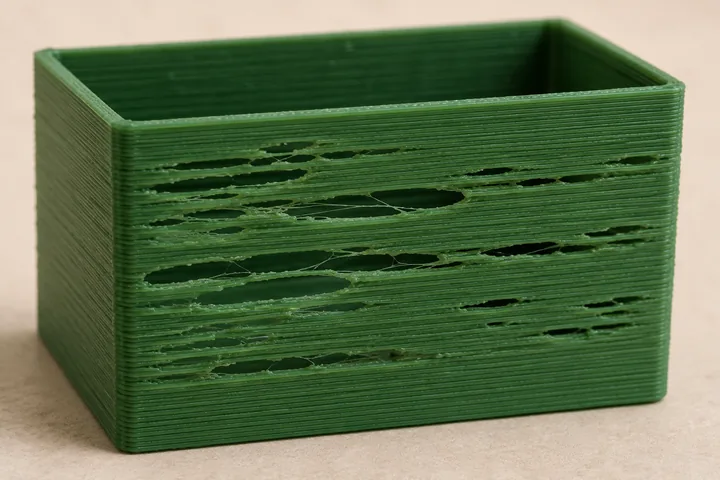
Gaps in walls or thin layers? Check the filament path, nozzle and volumetric flow step by step before changing the flow setting.
View causes and troubleshooting steps →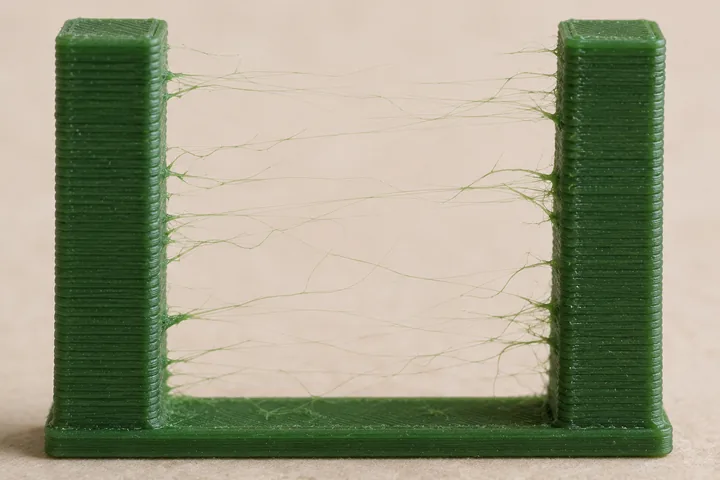 AI example imagePrint appearance · free
Is your 3D printer leaving strings? Check filament, nozzle residue, temperature and retraction with a short comparison test.
View causes and troubleshooting steps →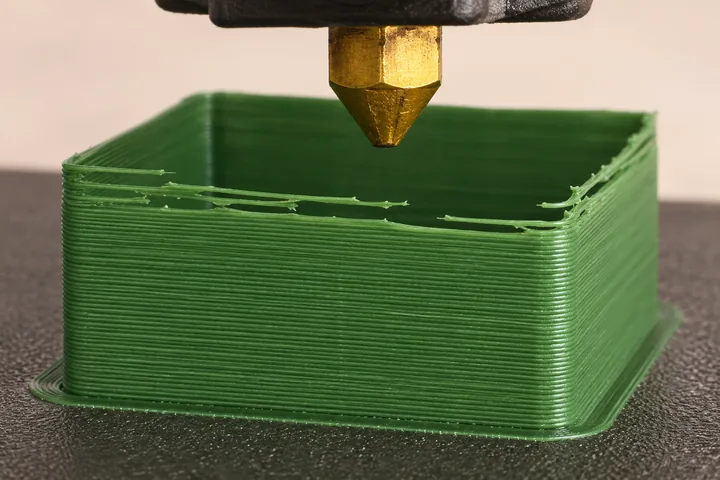 AI example imageFilament & nozzle · free
No filament coming from the nozzle, or a clicking extruder? Distinguish feeding problems from a hotend blockage.
View causes and troubleshooting steps →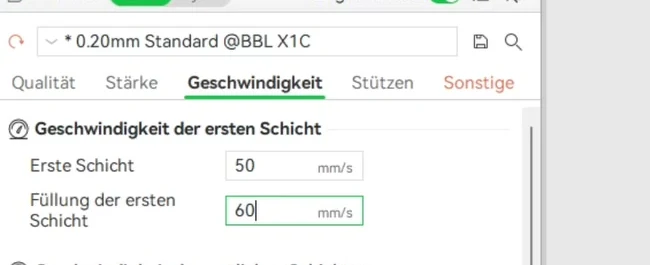 Slicer screenshot from Yener’s reelAdhesion · free
PLA or PETG not sticking to the build plate? Check the surface, plate profile, calibration and first print lines.
View causes and troubleshooting steps →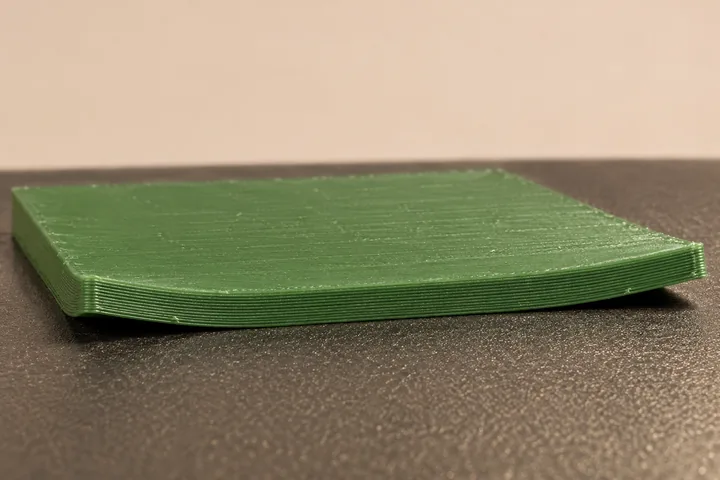 AI example imageAdhesion · free
Is your part lifting off the print bed? Distinguish poor initial adhesion from distortion during printing.
View causes and troubleshooting steps → YouTube thumbnail from YenerFilament & nozzle · free
Popping, strings or rough surfaces? Recognize possible moisture and distinguish active drying from dry storage.
View causes and troubleshooting steps →AI example imageFilament & nozzle · freeThe printhead keeps moving but material is missing? Check the spool, filament path, extruder and hotend in that order.
View causes and troubleshooting steps →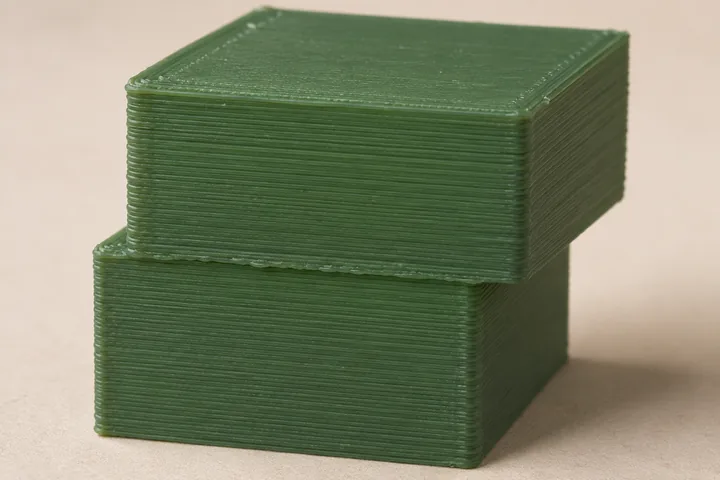 AI example imagePrint appearance · free
Is the upper part of your print shifted sideways? Distinguish true layer shift from ringing and check for obstacles, mechanical issues and profile settings systematically.
View causes and troubleshooting steps →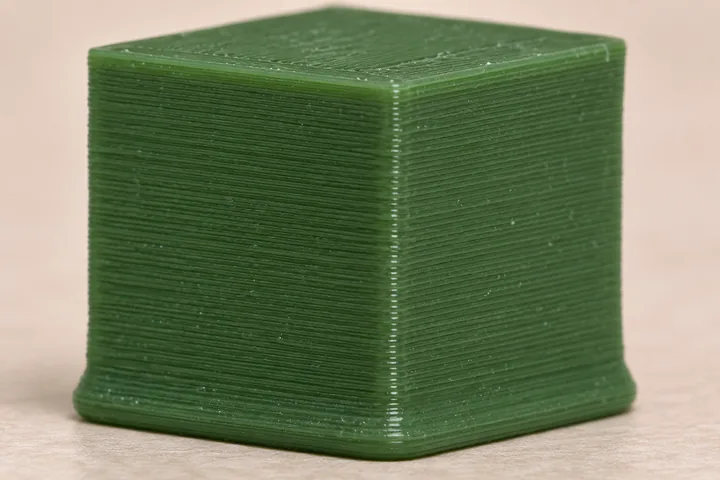 AI example imagePrint appearance · free
Does your part fit at the top but stick out at the bottom? Check the first layer and model before testing elephant's foot compensation in the slicer.
View causes and troubleshooting steps →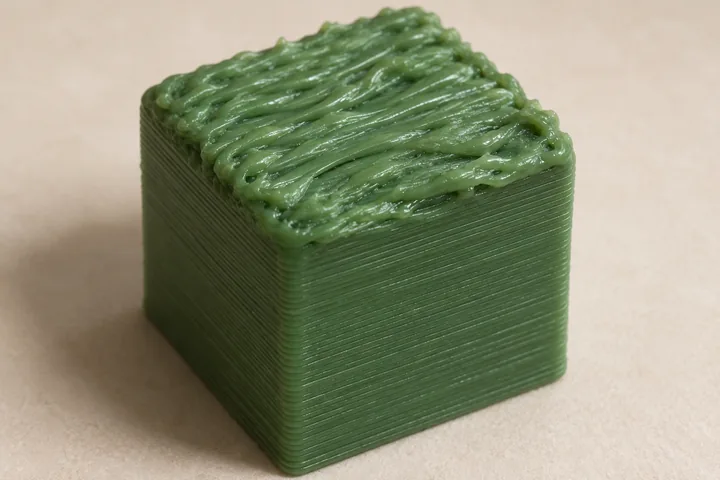 AI example imagePrint appearance · free
Rough top surfaces or thick ridges? Check the print profile and flow ratio in Bambu Studio before changing temperature and flow together.
View causes and troubleshooting steps →Watch briefly. Understand better.
Video guides and Reels for your next steps in 3D printing. Choose a topic and read the matching guide. Videos are free; external players load only after you click.
9 Videos
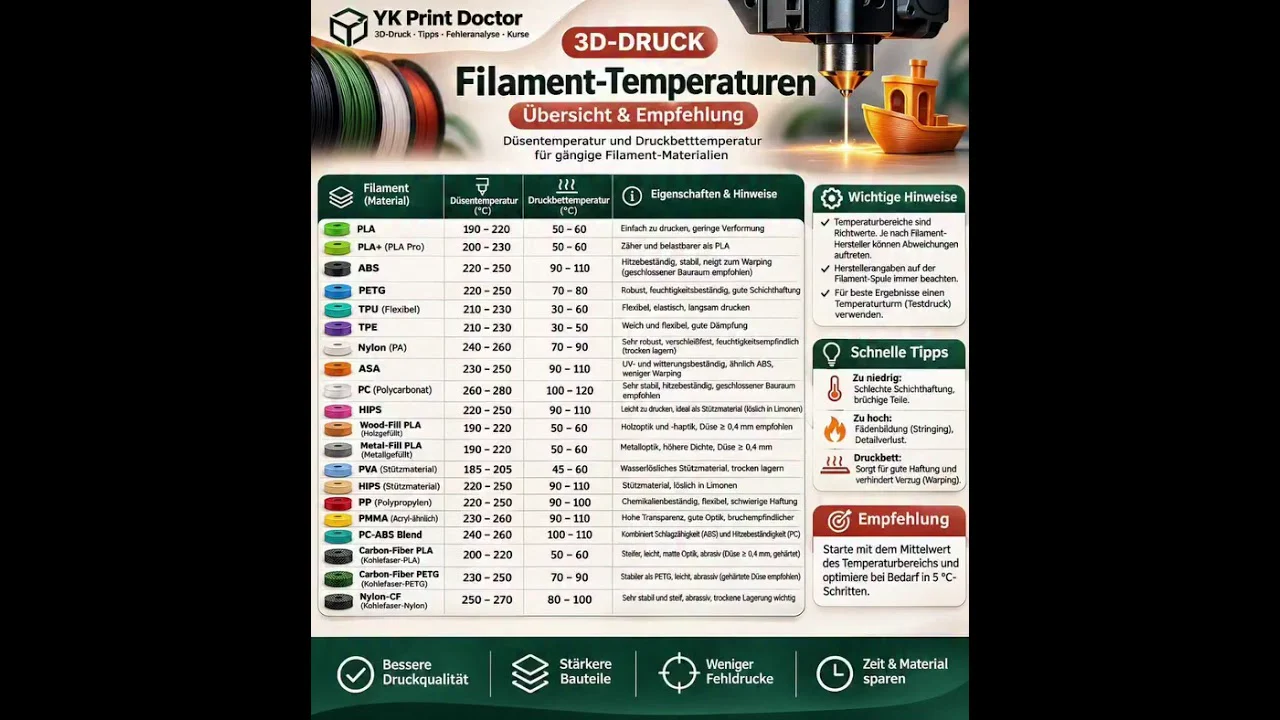
PLA, PETG, ABS and TPU need suitable material profiles. Use general values only as a guide, follow the manufacturer's specifications and compare suitable temperatures with a small test.
Watch the linked Reel here or open it directly on Instagram.
Clicking loads content from Instagram (Meta). Data such as your IP address is transmitted to Meta; Instagram may use cookies and similar storage. Privacy policy
Watch the video on Instagram →Meine Übersicht zu PLA, PETG, ABS und TPU. Allgemeine Temperaturwerte sind eine Orientierung; richte den Vergleichstest nach dem Datenblatt deiner tatsächlichen Rolle aus.
Still stuck? Yener shows you the next steps in the video.
Clicking loads the YouTube player. Data such as your IP address is transmitted to Google. Privacy policy
Open the video on YouTube →In diesem Reel ändert Yener das Feld „Füllung der ersten Schicht“ von 105 to 60 mm/s. Das separate Feld „First layer“ bleibt im gezeigten Profil bei 50 mm/s. Die Werte gehören zu diesem Example und sind keine allgemeine Vorgabe.
Watch the linked Reel here or open it directly on Instagram.
Clicking loads content from Instagram (Meta). Data such as your IP address is transmitted to Meta; Instagram may use cookies and similar storage. Privacy policy
Watch the video on Instagram →STL stores model geometry. A 3MF file can contain additional information such as colors, materials or slicer settings. Which details are actually included depends on the export.
Watch the linked Reel here or open it directly on Instagram.
Clicking loads content from Instagram (Meta). Data such as your IP address is transmitted to Meta; Instagram may use cookies and similar storage. Privacy policy
Watch the video on Instagram →An overview of print sequence, purge volume, purge objects and model arrangement. Too little purge volume can cause colors to mix. Check changes in the slicer preview and with a small comparison print.
Watch the linked Reel here or open it directly on Instagram.
Clicking loads content from Instagram (Meta). Data such as your IP address is transmitted to Meta; Instagram may use cookies and similar storage. Privacy policy
Watch the video on Instagram →An overview of print order, flushing volume, flushing objects and model layout. Compare the preview and check the cleanliness of colour transitions in your test.
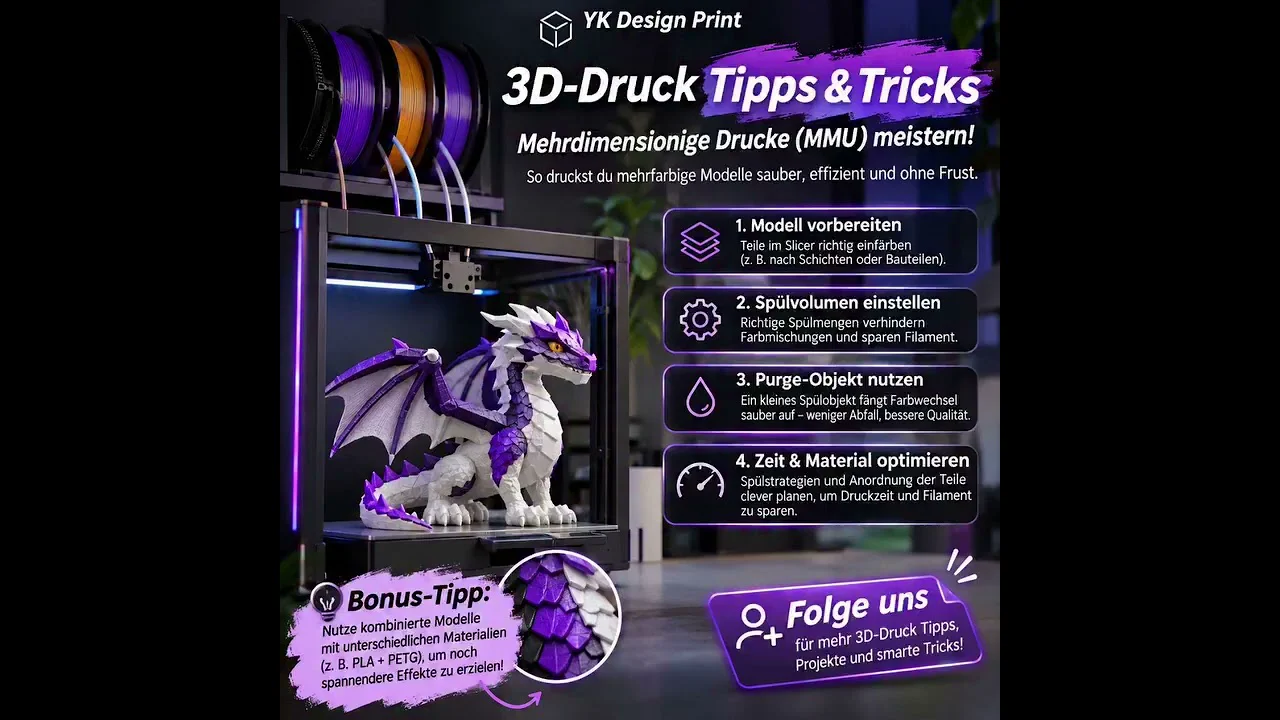
Still stuck? Yener shows you the next steps in the video.
Clicking loads the YouTube player. Data such as your IP address is transmitted to Google. Privacy policy
Open the video on YouTube →Download a font, extract it, install it in your operating system and restart Bambu Studio. Before using it, check which uses the selected font's license allows.
Watch the linked Reel here or open it directly on Instagram.
Clicking loads content from Instagram (Meta). Data such as your IP address is transmitted to Meta; Instagram may use cookies and similar storage. Privacy policy
Watch the video on Instagram →Download and extract a font, install it in your operating system, then restart Bambu Studio. Before use, check which uses the font licence permits.
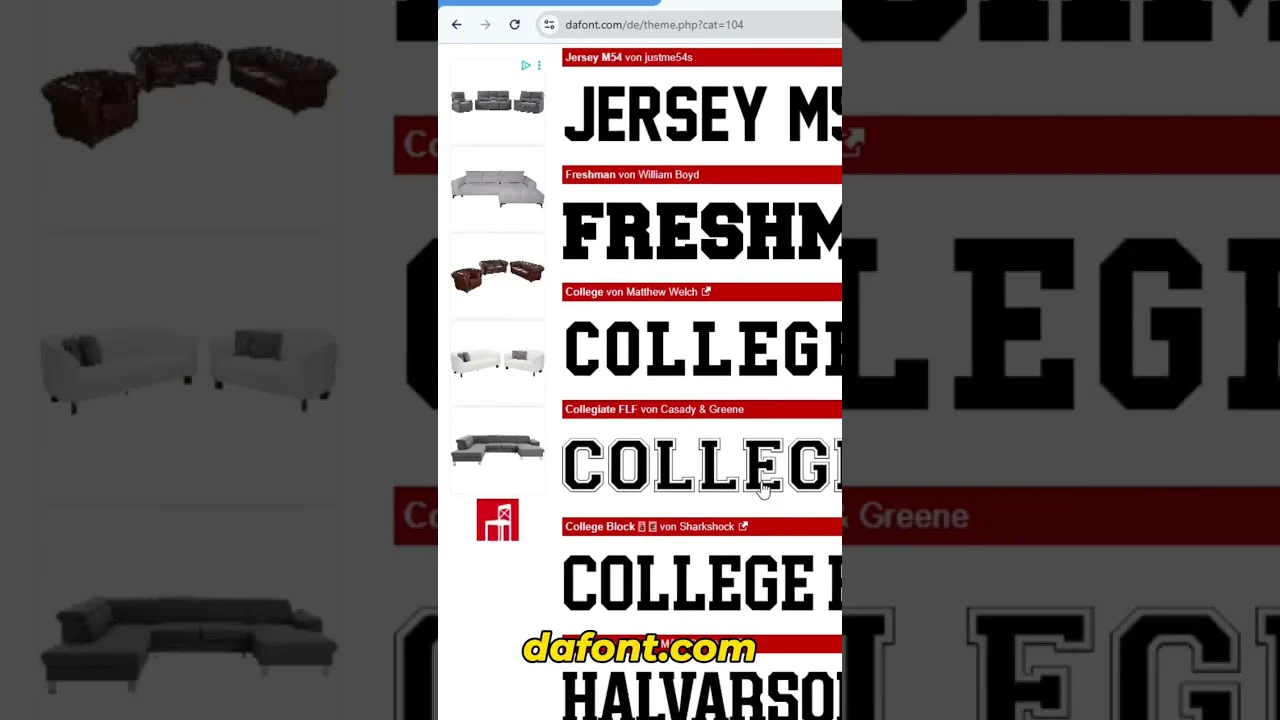
Still stuck? Yener shows you the next steps in the video.
Clicking loads the YouTube player. Data such as your IP address is transmitted to Google. Privacy policy
Open the video on YouTube →Yener compares a random Z seam with the positioning shown previously. This does not make the seam disappear: a line or scattered dots may stand out differently depending on the model. Choose the setting to suit the visible surface.
Watch the linked Reel here or open it directly on Instagram.
Clicking loads content from Instagram (Meta). Data such as your IP address is transmitted to Meta; Instagram may use cookies and similar storage. Privacy policy
Watch the video on Instagram →Fünf Testdrucke im Überblick: Kalibrierwürfel, Brückentest, Temperaturturm, Stringing-Test und Überhangtest. Das Reel zeigt, welche Testmodelle du für die Druckvorbereitung kennenlernen kannst.
Watch the linked Reel here or open it directly on Instagram.
Clicking loads content from Instagram (Meta). Data such as your IP address is transmitted to Meta; Instagram may use cookies and similar storage. Privacy policy
Watch the video on Instagram →My explanation of top Z distance, interface layers and interface spacing. The infographic explains their roles; test suitable values with your own material and profile.
Still stuck? Yener shows you the next steps in the video.
Clicking loads the YouTube player. Data such as your IP address is transmitted to Google. Privacy policy
Open the video on YouTube →Ich erkläre drei Ausgangspunkte für deinen nächsten Druck: das vorbereitete Druckbett, trockene Filamentlagerung und passende Settings. Ein kurzer Einstieg für die anschließende gezielte Fehlersuche.
Still stuck? Yener shows you the next steps in the video.
Clicking loads the YouTube player. Data such as your IP address is transmitted to Google. Privacy policy
Open the video on YouTube →Try it and make progress
Download and use for free. You do not need an account or Premium.
Record your printer, material and results in one place.
Download the note template →How to compare your print tests →40 × 14 × 32 mm for stringing tests. No documented test print or automatic diagnosis.
Download the stringing test as an STL →Go to the stringing guide →Could this help someone else too? Share the free guide.
Quick reference
All tips can be read without signing in. These brief tips do not replace maintenance instructions for your specific model. For troubleshooting, see the detailed guides.
Keep opened spools in an airtight box or bag with desiccant.
Excessive temperature encourages stringing, glossy areas and untidy overhangs.
Follow the approved combinations of material and build plate. A release layer may be required; do not simply copy Z distances from other printers.
Keep the filament path as short as possible and reduce speed and retraction.
PA/Nylon absorbs moisture quickly. Dry it as appropriate for the material and print directly from the dry box.
A suitable enclosure and an even temperature can reduce cracks and warping. Also follow the manufacturer’s ventilation and safety instructions.
CF and GF filaments wear out brass nozzles. Use a suitable wear-resistant nozzle.
A consistent outer wall speed produces an even sheen.